Summary
This free press release template turns the facts of your announcement into a structured draft in your browser. Choose a launch, partnership, funding round, hire, event or milestone, fill in the fields you have, and the tool places them in the standard order: release line, headline, lead, detail, quote, boilerplate and media contact. Missing details stay as bracketed placeholders, so nothing is invented and nothing is stored.
A press release template that fills itself in
Enter the facts of your announcement and get a structured draft with headline, lead, quote, boilerplate and contact. It runs in your browser and nothing is stored.
What the tool does with your answers
It sets the order
A press release has a fixed running order: release line, headline, lead, detail, quote, boilerplate, contact. The tool places each of your answers in its slot, so you never open with the background or bury the news in paragraph three.
It adapts the verbs
Pick launch, partnership, funding, hire, event or milestone and the headline and lead sentence change tense and phrasing to fit. A launch says launches and has launched. An event says hosts and will host.
It leaves the facts to you
The tool never invents a number, a date or a quote. Missing details stay in square brackets, and a counter shows how many remain. The boilerplate and the personal voice stay yours.
Read the draft as the journalist will
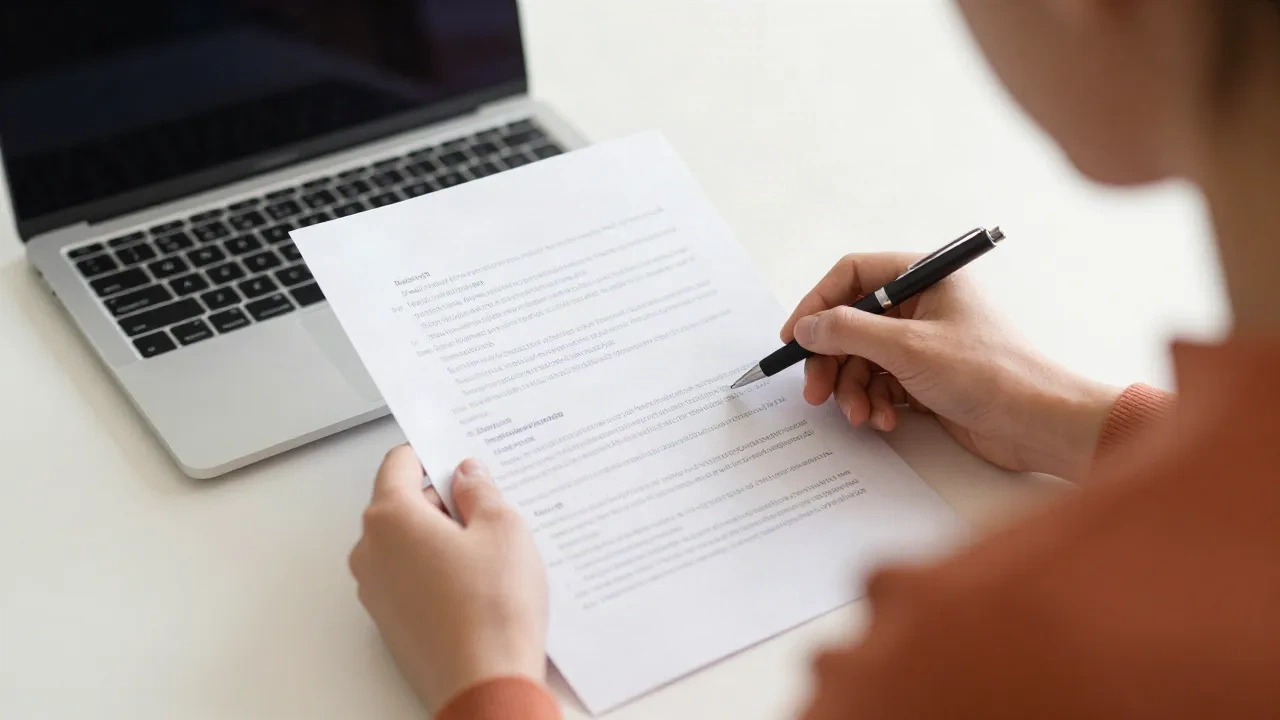
Most editors decide within a few seconds whether a release is a story. They read the headline, then the first paragraph, then stop. So read your draft in that order. If the headline and the lead paragraph do not tell a stranger what happened, who it affects and when, no later paragraph will rescue it. Fix those two first, then check the quote and the contact line.
Four checks before you send the draft
-
1
Check the lead
The first paragraph should answer who, what, when and where. If the lead needs a second sentence to say what happened, shorten the announcement phrase in the tool.
-
2
Replace every bracket
Square brackets are placeholders, not copy. The counter above the draft shows how many are left. The number should read zero before the release leaves your desk.
-
3
Test the quote aloud
Say the quote out loud as the named person. If they would never talk like that, rewrite it. A quote should add an opinion or a reason, not repeat the facts of the lead.
-
4
Confirm the contact line
Send the draft to the contact address once and check that someone replies. A release with a dead contact line wastes the one reporter who wanted a follow-up.
Common questions about the press release template
Is this press release template free to use?
Where does the structure come from?
Why does the draft contain square brackets?
Can I edit the draft inside the tool?
How long should a press release be?
Does the tool write the quote for me?
Does it work for funding, hires and events as well as launches?
A press release is one format. The rest of your writing repeats too.
Cover letters, follow-ups and cold emails all follow a structure you will write again. Ohboiler keeps those structures ready, with the personal part left for you.