QuillBot Alternatives: 5 Rewriting Tools Compared (2026)
Summary
QuillBot alternatives worth testing in 2026: Grammarly for tone and grammar inside your email, Claude or ChatGPT for instruction-driven rewrites, Wordtune for sentence-level options, and LanguageTool for multilingual or self-hosted checking. This comparison covers price, rewrite control, tone checks, where each tool runs and language coverage, with Grammarly as the best overall pick for professional email.
Verdict. Grammarly tops our QuillBot alternatives list for most professional writers, because it checks grammar and tone inside Gmail, Docs and LinkedIn, where email gets written. Claude and ChatGPT outrun every dedicated rewriter when you can describe the change in plain words. Wordtune suits single sentences. LanguageTool wins on languages and privacy. None of them copies QuillBot's slider.
You wrote the same follow-up email forty times this year, and QuillBot made each one sound slightly different. That is a fair use of a paraphraser. It is also the moment people start looking for QuillBot alternatives: the tool was built for students rewriting sources, and a recruiter or founder wants something that understands a tone, not a synonym slider.
This page compares five tools against QuillBot on the things that matter to someone who writes for work. The boilerplate disappears. The personal part stays yours.
Why people leave QuillBot, and why some should not
The reasons we see most often are narrow ones. Free paraphrasing is capped in length, so a long email gets pasted in pieces. Business tone is handled through modes rather than feedback while you type. And the product has grown into a bundle of image, presentation and citation tools that a working writer never opens.
Some of those reasons are weak. QuillBot's slider is still the finest control over how far a sentence moves from the original, and Premium is $8.33 a month on annual billing for the whole toolset. If you paraphrase a lot, and you check the output, there is a case for staying.
If your real job is replying to people, the case is weaker. That is who this comparison is written for.
How we compared them
We chose five criteria and showed the numbers before the opinions. Price is the entry paid plan. Rewrite control is how precisely you can steer a change. Grammar and tone checks asks whether the tool tells you something while you type. Where it runs covers the apps it reaches. Language coverage matters if any of your correspondence is not in English.
The scores out of 5 below are our own, for one use case: professional email and short documents. They are not averages from a review site. The methodology paragraph near the end says exactly what we did and did not do.
Grammarly: the one that works where you write
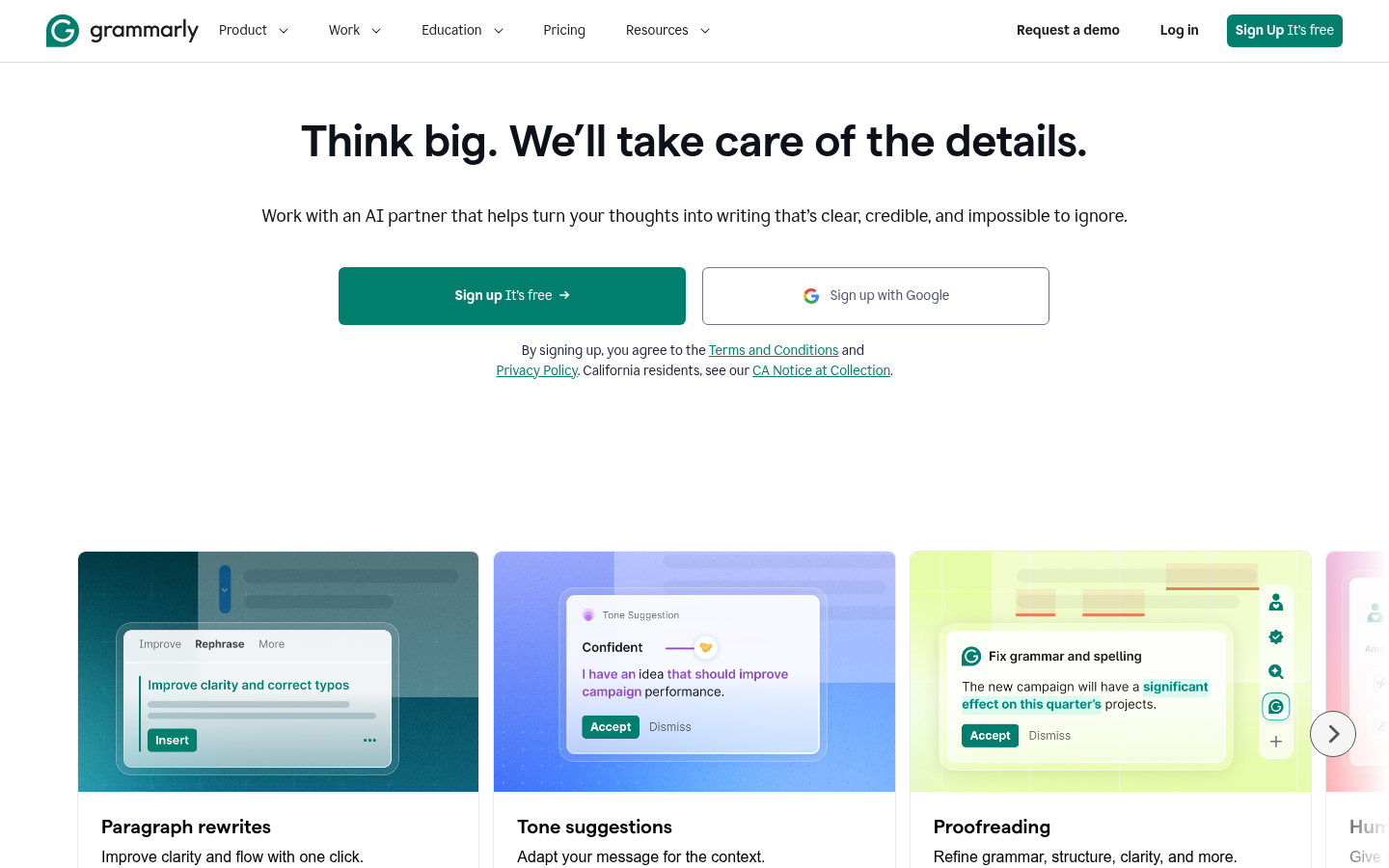
Grammarly's advantage is placement. It sits in the compose window, underlines what is off, and offers a rewrite of the selected sentence without a trip to another tab. At the second send you stop rewriting. At the tenth you start refining.
Its tone detection is the best of the group for professional correspondence, and its G2 score of about 4.7 across roughly 14,000 reviews says plenty of people agree. The cost is control. You get Rephrase, shorten and tone suggestions, not a slider. Pro is $12 a month on annual billing and $30 monthly, so it is the priciest of the dedicated tools here.
If you want one tool to replace QuillBot for email, this is the one to test first.
Claude and ChatGPT: rewriting by instruction
A chat assistant does something none of the dedicated tools do well. You tell it what to change and what to leave alone. Keep my opening line, cut the hedging, make it read like a note from a colleague, not a press release. Claude and ChatGPT both follow instructions like that, and both handle a full proposal in one pass.
Claude's prose tends to read as measured, which suits the register this site cares about. ChatGPT's custom instructions and saved projects let you store tone rules once and reuse them. Both cost around $20 a month on their paid plans, though both have free tiers worth testing first.
The trade is friction. There is no inline checker in your email client, so you paste text out and back in. And without clear instructions, either assistant will happily rewrite more than you asked. The click to Send is always yours, which means the rereading is too.
Wordtune and LanguageTool: two narrower answers
Wordtune is the closest in spirit to QuillBot's rewriting. It offers several versions of a sentence and lets you shift them casual or formal, shorter or longer. It suits someone who edits line by line. It has no Word add-in and is centred on English, which limits it in some offices.
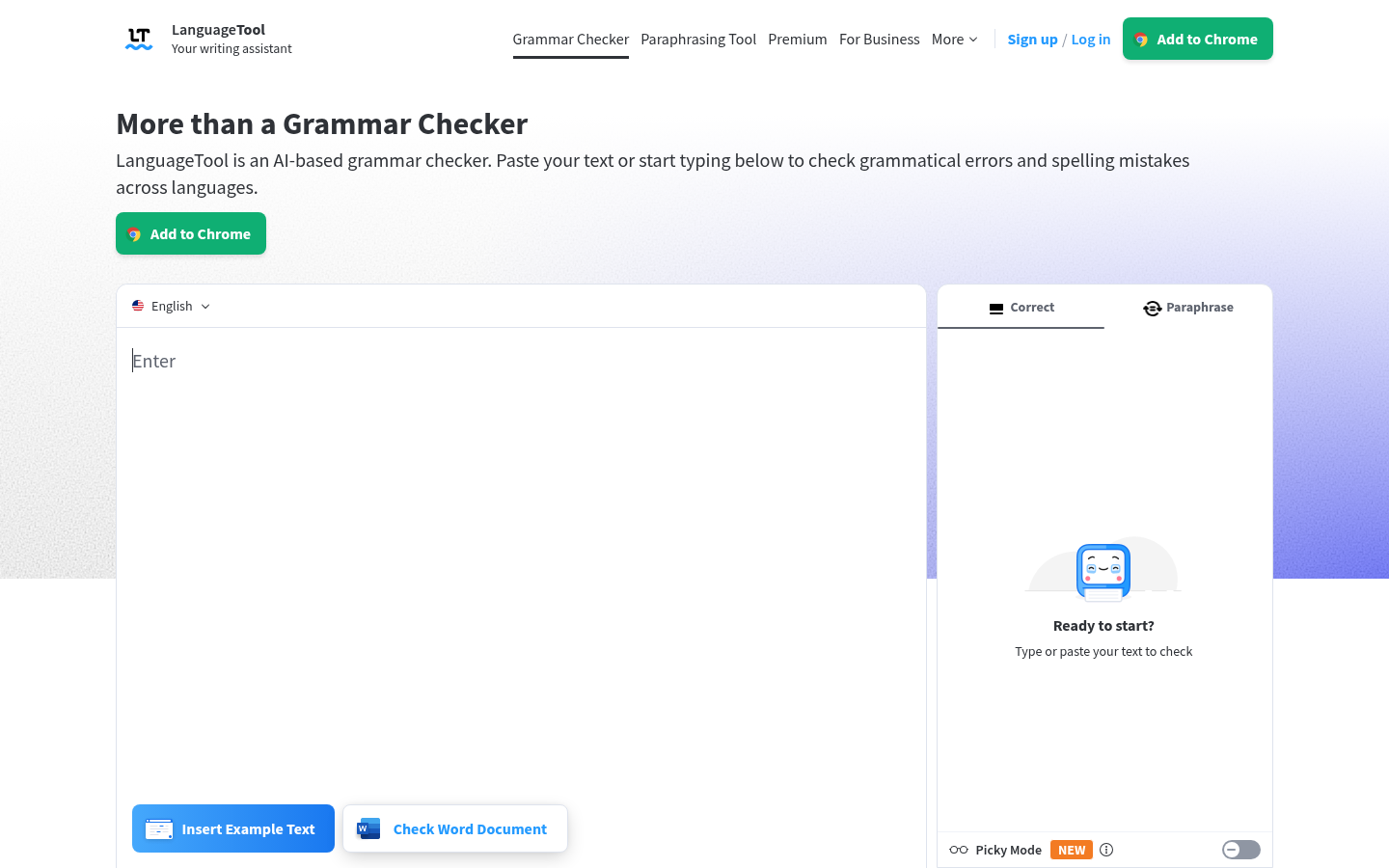
LanguageTool is a different animal. It is a grammar and style checker first, with a lighter paraphrasing tool added. Its strength is breadth: more than 30 languages with real grammar rules, browser extensions, Word and Google Docs add-ins, and a self-hosted option for teams whose text cannot leave the building. Premium starts at $4.99 a month on annual billing. Its Trustpilot score is low, from a sample of 57 reviews, so read recent complaints about billing before you commit.
Three cases where a switch pays off, one where it does not
Switch to Grammarly if most of your writing is email and short documents in English, and you want feedback while you type.
Switch to Claude or ChatGPT if you rewrite long drafts to a brief, and you are comfortable pasting text between windows.
Switch to LanguageTool if you write in several languages, or if your company restricts where text can be sent.
Stay with QuillBot if the work is heavy paraphrasing, you value the slider, and you review every output yourself. A paraphraser can change your meaning without telling you, and detectors now flag some paraphrased text, so treat the result as a draft.
What none of these will do for you
No tool here knows what you said to this recipient last month. They rewrite the sentence in front of them. They do not remember that this client dislikes exclamation points, or that you promised a revised quote by Friday. That memory is yours, or it belongs in a template system, not a paraphraser.
It is also worth saying what we would not do: let any of them send the message. Every tool above stops at the draft, which is where it should stop.
Choosing in five minutes
Run one real email through three tools. Paste the same paragraph into Grammarly's free tier, into Claude or ChatGPT with a one-line instruction, and into QuillBot's Fluency mode. Compare which version you would send with the fewest edits. That test costs nothing and settles the decision faster than any feature table.
At-a-glance
| Grammarly | Claude | ChatGPT | Wordtune | LanguageTool | |
|---|---|---|---|---|---|
| Entry paid price | Free tier; Pro $12/month billed annually, $30 billed monthly | Free tier with usage limits; Pro around $20/month | Free tier; Plus $20/month | Free Basic plan with daily limits; paid plans listed at roughly $7 to $10/month on annual billing | Free tier; Premium from $4.99/month billed annually |
| Rewrite control | Rephrase, shorten and tone suggestions on a selection; fewer dials, better defaults | Unlimited: you describe the change in plain language and it follows long instructions well | Unlimited: same prompt-driven approach, strong with custom instructions and saved projects | Several rewrites per sentence with shorten, expand and tone toggles | A paraphrasing tool with a few modes; lighter than QuillBot, mostly for short passages |
| Grammar and tone checks | Live grammar, clarity and tone feedback as you type; the strongest of the six | Catches errors when asked, but does not check as you type | Catches errors when asked, but does not check as you type | Fluency and grammar fixes, with less explanation of why a change was made | Rule-based grammar and style checks with explanations; Picky Mode for stricter review |
| Where it runs | Gmail, Google Docs, LinkedIn, Notion and most browser text fields, plus desktop and mobile | Web, desktop and mobile apps; you copy text in and out | Web, desktop and mobile apps; you copy text in and out | Chrome extension and web editor; no Microsoft Word add-in | Browser extensions, Word and Google Docs add-ins, and a self-hosted option |
| Language coverage | English first; built for English-language email and documents | Writes and edits in dozens of languages, quality varies by language | Writes and edits in dozens of languages, quality varies by language | Centred on English | More than 30 languages with real grammar rules per language |
Grammarly
- Live grammar, clarity and tone feedback inside Gmail, Docs and LinkedIn
- Rephrase and shorten suggestions that keep your voice recognisable
- Large user base: about 4.7 out of 5 on G2 across roughly 14,000 reviews
- A free tier that is genuinely usable for everyday email
- Paraphrasing is less adjustable than QuillBot's slider and modes
- Pro costs $12 a month on annual billing, more than QuillBot, Wordtune or LanguageTool
- Mostly English, so it is a weak pick for multilingual teams
The safest replacement if your QuillBot use is mostly email and short documents.
Claude
- Follows long, specific instructions such as keep my sentence length, cut the hedging
- Prose tends to read as measured rather than padded
- Handles full emails, proposals and long documents in one pass
- Pro plan around $20 a month also covers drafting, research and analysis
- No live checking as you type, so you paste text in and out
- Nothing stops it rewriting more than you asked unless you say so
- Free tier has usage limits that heavy daily rewriting will hit
Best when you need a rewrite governed by instructions, not a slider.
ChatGPT
- Prompt-driven rewriting with no limit on how you phrase the request
- Custom instructions and saved projects keep your tone preferences between sessions
- Plus at $20 a month bundles drafting, analysis, images and research
- Free tier is enough to test the workflow before paying
- No inline checker in your email client without extra tooling
- Output can drift toward a generic corporate tone unless you set rules
- At $20 a month it costs more than a dedicated paraphraser
A strong generalist if you will use the rest of the subscription.

Wordtune
- Offers several rewrites per sentence so you pick, not accept
- Casual and formal toggles are quick to use on a single line
- Paid plans are inexpensive next to Grammarly and the chat assistants
- Free Basic plan covers light use with no card required
- No Microsoft Word add-in, which rules it out for many office workflows
- Centred on English with thin support for other languages
- Free and entry plans carry daily and monthly usage caps
A good fit for polishing individual sentences, less so for whole documents.
LanguageTool
- More than 30 languages with proper grammar rules, not just English
- Premium from $4.99 a month on annual billing, the cheapest paid option here
- Browser extensions plus Word and Google Docs add-ins
- Self-hosting is possible when text cannot leave your network
- The paraphrasing tool is lighter than QuillBot's modes and slider
- Trustpilot shows a low score from a small sample of 57 reviews
- Tone and style coaching is shallower than Grammarly's
The pick for teams writing in several languages, or with data-residency rules.
Verdict
Grammarly is the alternative to QuillBot most professional writers should try first, because it checks and softens tone inside the apps where email actually gets written. Claude and ChatGPT beat every dedicated rewriter when you can describe the change in plain words. Wordtune suits single sentences, and LanguageTool wins on languages and privacy. None of them replicates QuillBot's slider, so keep QuillBot if heavy paraphrasing is the job.
How we tested
This comparison rests on desk research done on 16 October 2026, not on a month of side-by-side drafts. We read each vendor's own pricing and feature pages, loaded each homepage at 1440 by 900 to capture the screenshots shown here, and cross-checked claims against public review aggregates on G2 and Trustpilot. Prices are US list prices at that date and change often. Scores out of 5 are our own judgement for one use case: rewriting professional email and short documents. They are not review-site averages, and a student paraphrasing sources would rank these tools differently. None of the tools here pays us a commission at the time of writing.