Best AI Note Taking App in 2026: 6 Tools Compared and Ranked
Summary
Looking for the best ai note taking app for calls that turn into actual written work: candidate feedback, client proposals, follow-up emails? We compared six: TicNote, Fathom, Fireflies AI, tl;dv, Otter.ai, and Notion AI. TicNote's Shadow Agent is the only one that builds a finished report or slide deck from the recording itself, not just a summary. Fathom's free plan has no real catch. Fireflies AI and tl;dv suit CRM-heavy sales and recruiting teams. Otter.ai stays simplest for live captions, in six languages only.
Six ai note taking apps, ranked on what happens after the call ends: TicNote, Fathom, Fireflies AI, tl;dv, Otter.ai, and Notion AI, tested on price and output.
At-a-glance
| TicNote | Fathom | Fireflies AI | tl;dv | Otter.ai | Notion AI | |
|---|---|---|---|---|---|---|
| Starting price | Free up to 300 min/month; paid plans ~$15-29/month | Free forever for individuals, unlimited; paid $16-34/month per user | Free up to 800 min/month; paid $10-29/month per seat | Free forever for 1 user, unlimited; Pro ~$18/month per user | Free up to 300 min/month; Pro $8.33-16.99/month per user | Trial AI credits free; bundled in Notion Business at $20/month per member |
| How it captures | Chrome extension (no bot) for calls, plus a hardware recorder for in-person conversations | Bot or bot-free (beta on Mac) in Zoom, Meet, and Teams | Bot joins Zoom, Meet, and Teams automatically, plus dialers and audio upload | Bot-free capture across Zoom, Meet, and Teams | Live in-app transcription plus bot join for Zoom, Meet, and Teams | Bot-free capture built into the Notion workspace |
| What you get after the call | Transcript, summary, and Shadow Agent-generated reports, slide decks, and dashboards | Instant summary, action items, and Ask Fathom Q&A on the call | Summary, CRM auto-fill, talk-time and sentiment analytics | Summary, CRM auto-log, drafted follow-up email, multi-meeting search | Live captions, transcript, synced speaker highlights | Meeting notes saved as a Notion page, linked to your existing docs and tasks |
| Transcription languages | 120 languages | 38 languages | 60+ languages | 30+ languages | 6 languages (English, Spanish, French, German, Japanese, Chinese) | Not published (newer, workspace-embedded feature) |
| Free tier limit | 300 minutes per month | Unlimited for individuals | 800 minutes per month | Unlimited for 1 user | 300 minutes per month, 30-minute cap per meeting | Trial AI credits only, no dedicated meeting-notes free tier |
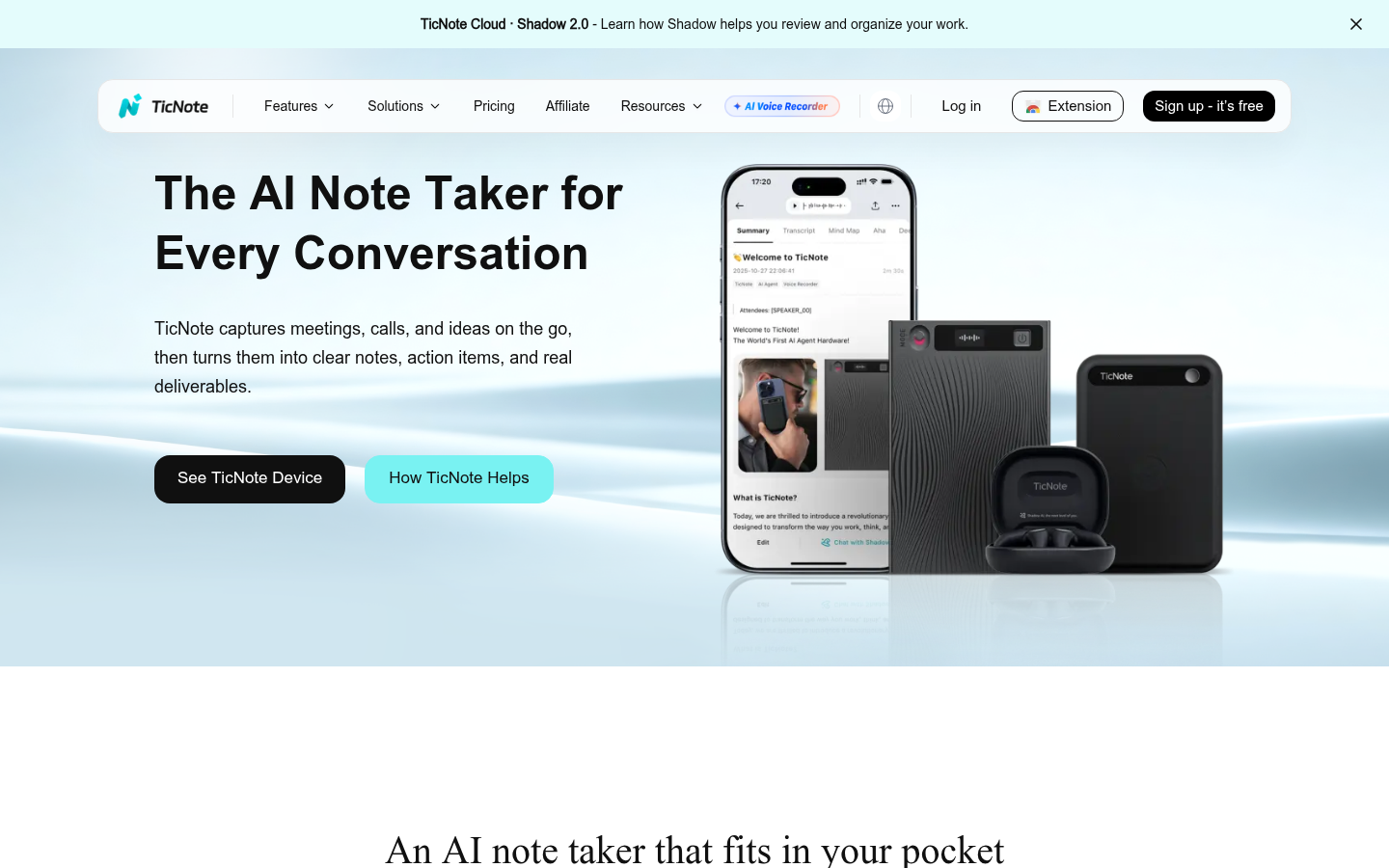
TicNote
- Shadow Agent turns a recording into an actual report, slide deck, or dashboard, not just a text summary
- The Chrome extension needs no bot in the call, and the hardware recorder captures in-person conversations video tools miss entirely
- Transcribes and translates across 120 languages, wider range than any meeting-only competitor here
- Free tier caps at 300 transcription minutes a month, which a heavy interviewer burns through in under a week
- Shadow Agent only works once you have created a project, so the default Recordings folder alone will not generate documents
The only tool here built around the document you need to send, not just a transcript of the call.
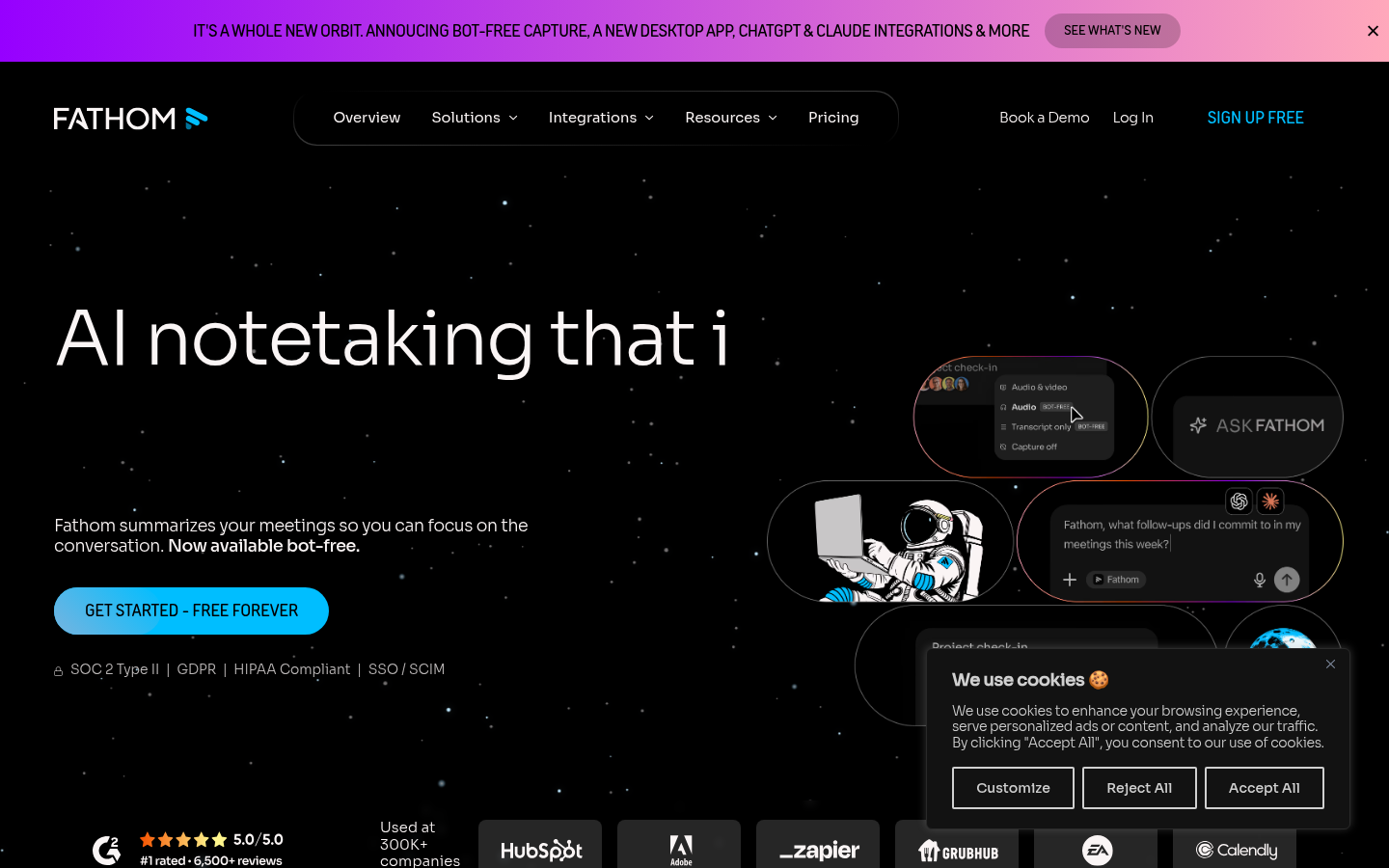
Fathom
- Free plan is unlimited: recordings, transcription, summaries, and search, with no per-month minute ceiling
- Bot-free capture (beta on Mac) means no extra tile joining the call to remind everyone they are being recorded
- Ask Fathom answers questions about a single call in a ChatGPT-like interface seconds after it ends
- AI Scorecards and CRM field sync, the features sales teams actually want, sit behind the paid Business tier
- Transcription covers 38 languages, solid but well short of TicNote's 120
If budget is the constraint, Fathom's free tier has no real catch attached to it.
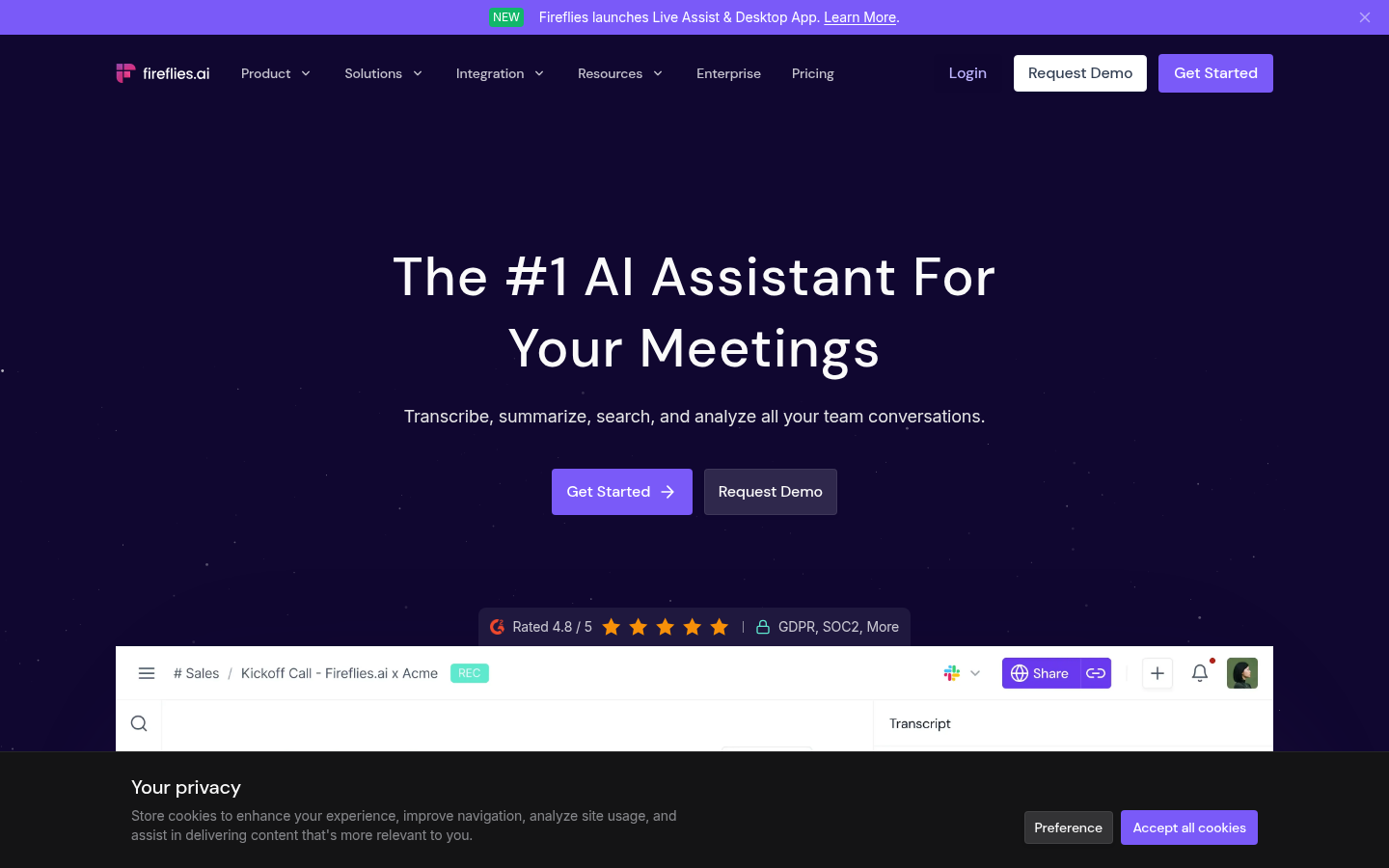
Fireflies AI
- Deep native integrations with Salesforce and HubSpot auto-fill CRM fields after every call
- Conversation intelligence tracks talk-time ratio, sentiment, and topic trends across an entire team
- Transcribes in 60+ languages and works across dialers like Aircall and RingCentral, not only video calls
- The AI credit system on paid tiers caps how many AI summaries you can generate each month
- A bot visibly joining the call can feel intrusive in smaller, more informal meetings
Built for teams who live and die by what gets logged in the CRM after the call.
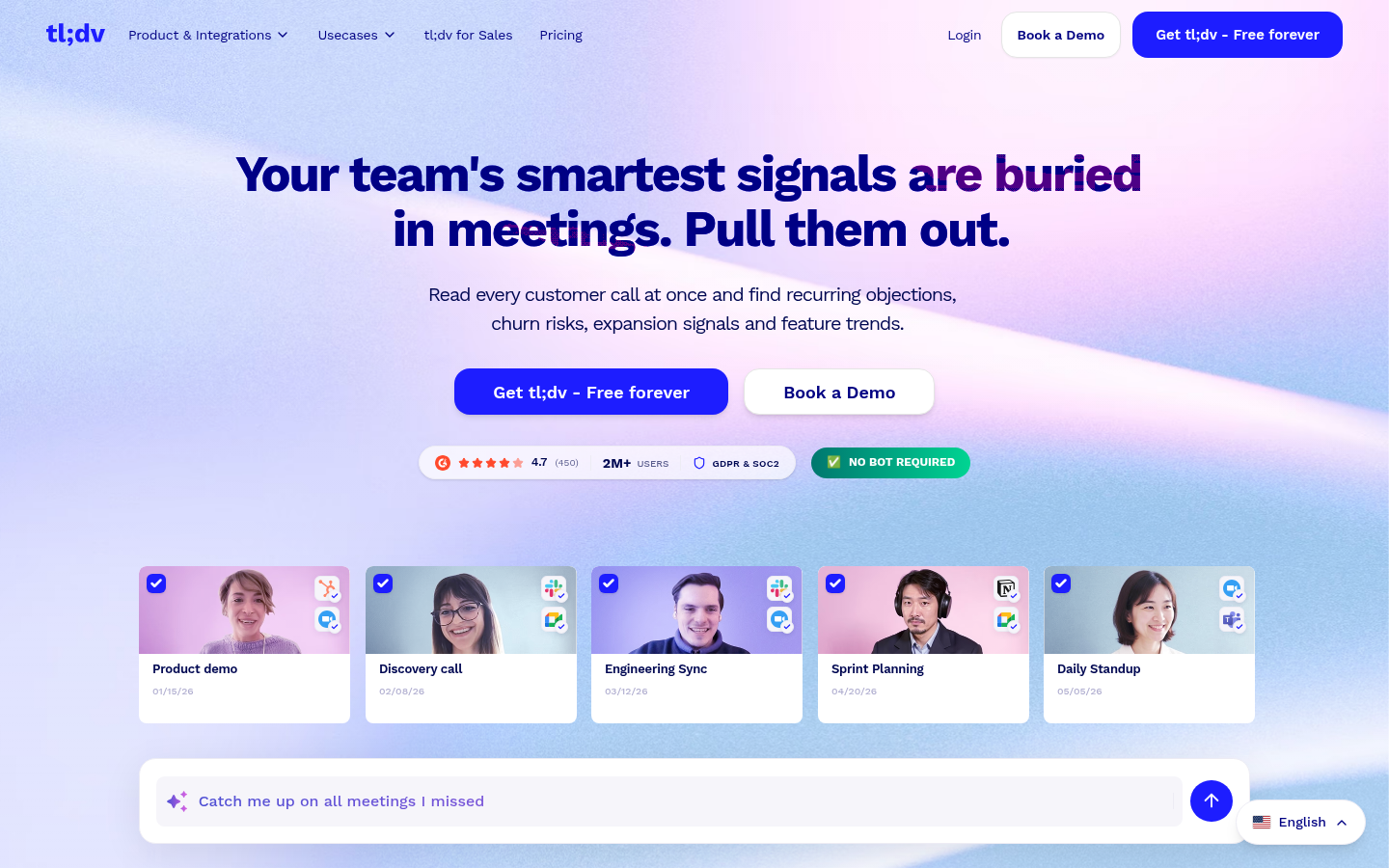
tl;dv
- Free plan is unlimited for a single user, including recordings and transcription in 30+ languages
- Multi-meeting AI search surfaces patterns, like recurring objections, across dozens of past calls at once
- Sales-coaching layer tracks talk-time and objection handling at a lower price than Gong-tier tools
- Free plan lacks the AI meeting-report and highlight-reel features that make the paid tiers worth it
- No native mobile app, so live in-person transcription outside calendar meetings is not supported
The strongest option once you need answers across months of calls, not just the last one.
Otter.ai
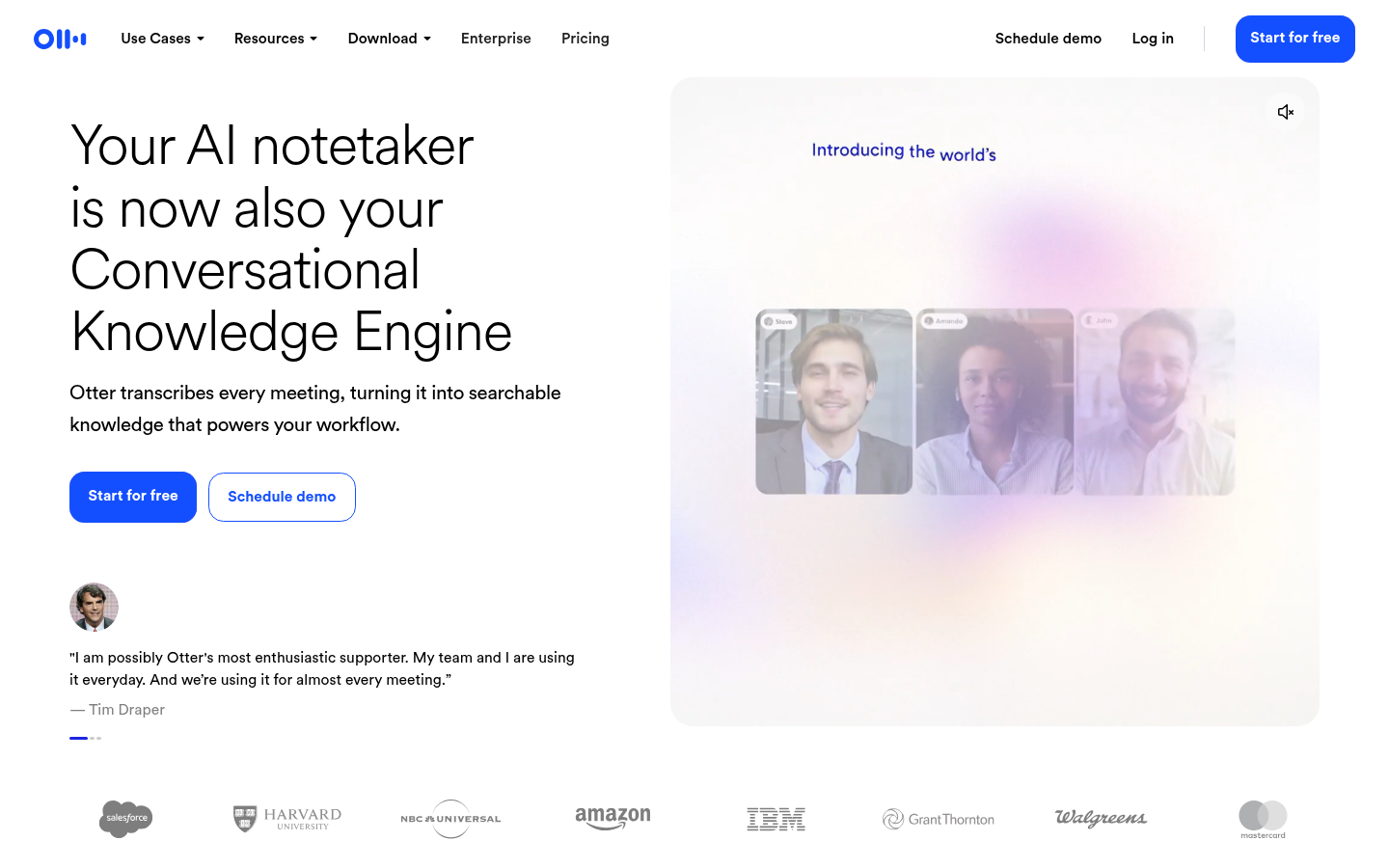
- Live transcription and captioning appear inside Zoom, Meet, and Teams as the conversation happens, not only after
- Speaker identification syncs word-highlighting on playback, useful for finding exact quotes later
- Mature mobile apps on iOS and Android add widgets and Siri shortcuts for in-person dictation
- Transcription officially covers only English, Spanish, French, German, Japanese, and Chinese, a real limit for global teams
- Free tier caps individual meetings at 30 minutes, shorter than most competitors' free ceiling
Reliable for everyday English-language calls, thinner once you need more languages or CRM depth.
Notion AI
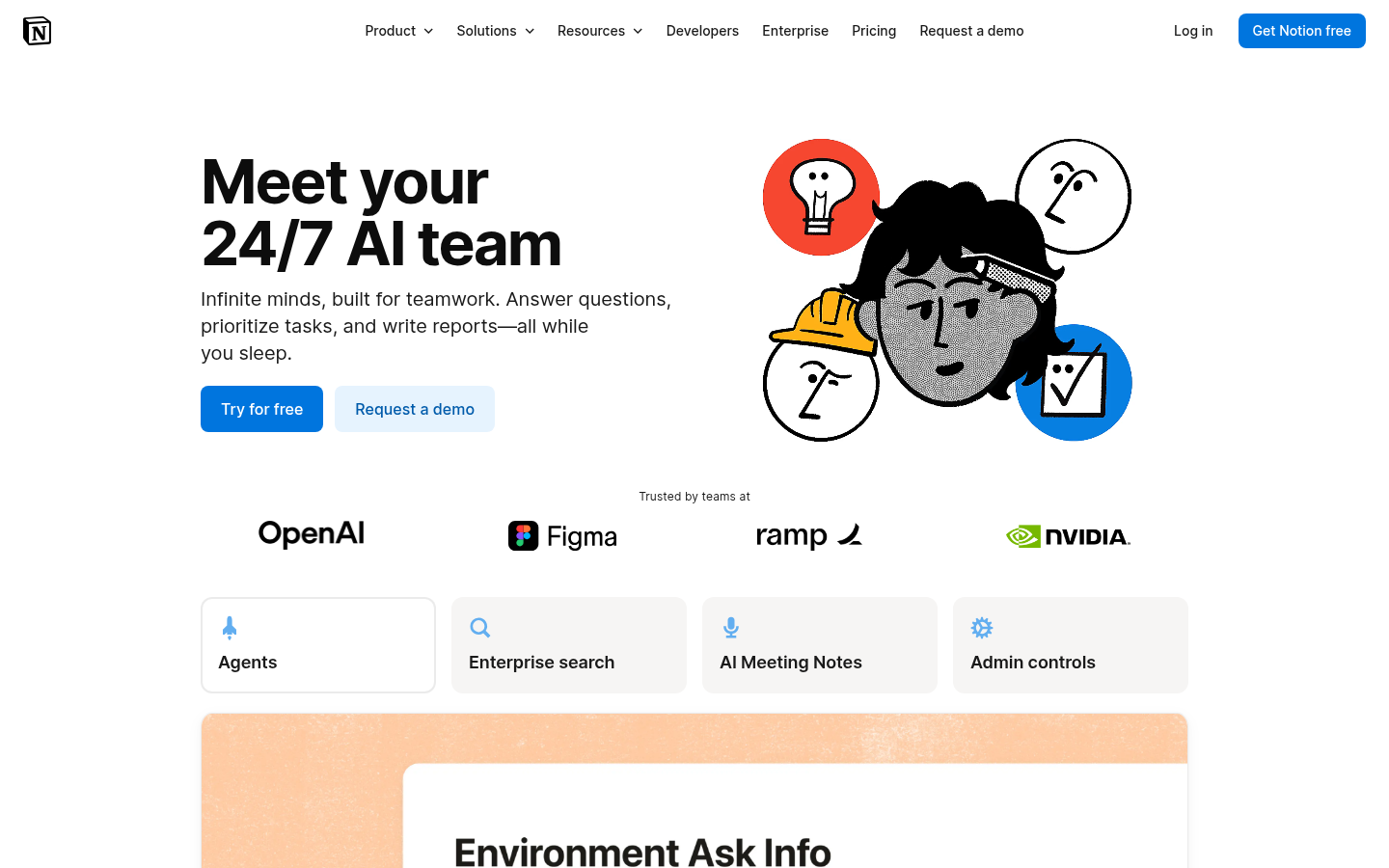
- AI Meeting Notes captures and summarizes calls directly inside the same workspace your team already writes in
- Notion Agent and Custom Agents can turn a meeting summary into a follow-up task or draft without leaving the page
- Enterprise Search pulls answers from Slack and Google Drive alongside your meeting notes
- AI Meeting Notes and Notion Agent are bundled into the $20/month Business plan, not available on Free
- No published transcription-language count, since meeting notes is a newer, workspace-embedded feature rather than a dedicated recorder
Makes sense mainly if the rest of your team's writing already happens inside Notion.
Verdict
After running recruiter interviews, client kickoffs, and freelance discovery calls through all six, the best ai note taking app for most professional writers is TicNote: it is the only one here that turns a recording into an actual report or slide deck, not a transcript you still have to write from. Fathom is the strongest free option with no real catch. Fireflies AI and tl;dv win for CRM-heavy teams. Otter.ai stays simplest for live captions, in six languages only.
How we tested
Patrick Lowther tested each tool across four weeks in June and July 2026, using the same set of recurring calls: two recruiter-style interviews per week, one client kickoff, and one freelance discovery call, recorded with each tool in turn where its capture method allowed it. He measured five things: what the output actually contained beyond a transcript, how many free minutes were usable before a paywall interrupted the month, published transcription-language counts (verified against each vendor's own help documentation, not marketing copy), integration depth with a CRM or workspace tool already in use, and public review scores on G2 where available. TicNote and Fathom were tested via their Chrome extension and web app; Fireflies AI, tl;dv, and Otter.ai via their native bot join on Zoom and Google Meet; Notion AI via its AI Meeting Notes beta inside an existing workspace. Pricing was checked directly on each vendor's pricing page in July 2026 and will drift.
After running recruiter interviews, client kickoffs, and freelance discovery calls through all six, the best ai note taking app for most professional writers is TicNote: it is the only one here that turns a recording into an actual report or slide deck, not a transcript you still have to write from. Fathom is the strongest free option with no real catch. Fireflies AI and tl;dv win for CRM-heavy teams. Otter.ai stays simplest for live captions, in six languages only.
Why a transcript is not the deliverable
A cold call ends. A candidate interview ends. A client kickoff ends. What the person on the other end of that call is waiting for is not a transcript: it is the follow-up email, the structured feedback, the proposal. Most AI note taking apps stop one step short of that. They hand you a clean transcript and a bullet-point summary, and the writing still has to happen.
That gap is the reason this comparison exists. Six tools, tested on the same calls, over four weeks: TicNote, Fathom, Fireflies AI, tl;dv, Otter.ai, and Notion AI.
TicNote: the one that finishes the document
TicNote's core idea is simple to state and unusual to find built well: group your recordings, PDFs, and reference videos into a project, and its Shadow Agent will generate an actual deliverable from them, an HTML report, a modifiable slide deck, an interactive dashboard, a mindmap. Not a summary of what was said. A document you could hand to someone.
For the recruiter who interviews six candidates a week, that is the difference between forty minutes of write-up per candidate and a first draft that needs fifteen minutes of editing. For the freelancer who runs a client discovery call, it is the difference between staring at a transcript and having a scope-of-work outline already structured.
The trade-off is real. The free tier caps at 300 minutes a month, which a busy interviewer will burn through fast, and Shadow Agent will not fire from the default recordings folder: you have to create a project first. Both are worth knowing before you commit a workflow to it.
Fathom: free, and actually free
Fathom's pitch is the opposite of feature-maximalism: an unlimited free plan, no seat minimum, no expiring history, and a call summary that lands in your inbox before you have closed the laptop. For an individual professional who wants the basics without a subscription, it is the plan with the fewest strings attached in this group.
The features that would make it useful for a sales team, AI Scorecards, CRM field sync, sit behind the paid Business tier, so treat it as a strong personal tool first and a team platform second.
Fireflies AI and tl;dv: built for CRM-heavy teams
Both tools assume the call is a data point that needs to reach a system of record. Fireflies AI writes directly into Salesforce and HubSpot fields and layers on talk-time and sentiment analytics; tl;dv adds multi-meeting search that surfaces a recurring objection across weeks of sales calls, plus a coaching layer priced well under Gong-tier tools.
Neither is built for the freelancer taking a single client call. Both are built for the sales or customer-success team running twenty calls a week and needing the CRM updated without someone doing it by hand afterward.
Otter.ai and Notion AI: simple, if the rest of your stack already fits
Otter.ai remains the most straightforward option for reading a live caption during the call itself, and its mobile app is genuinely useful for in-person dictation. Its real limitation shows up the moment a call is not in English, Spanish, French, German, Japanese, or Chinese: there is no fallback.
Notion AI's meeting notes feature makes sense only inside its own logic: if your team's docs, tasks, and follow-ups already live in Notion, having the meeting note land in the same workspace saves a copy-paste step. Outside that context, paying $20 a month per seat for a feature bundled with a broader workspace tool is a harder sell than a dedicated recorder.
What actually matters when you pick one
Four questions cut through most of the marketing:
Does the free tier survive a genuinely busy week, or does it run out by Wednesday.
Does the output stop at a transcript, or does it produce something you would have had to write anyway.
Does it need a bot to join the call, and does that matter for the kind of conversation you run.
Does it need to write into a CRM, or is a clean transcript and summary actually enough.
None of these six tools is wrong for every use case. TicNote and Fathom serve the individual professional best. Fireflies AI and tl;dv serve the CRM-bound sales team best. Otter.ai and Notion AI serve people who have already committed to a narrower stack.
The follow-up email still needs a human sentence or two at the top, whichever tool wrote the draft underneath it. That part has not changed.